🛠️ The Architectural Takeover & Cost-Performance Story
The Challenge: I took over a Next.js B2B steel financial data portal built by non-technical creators using generative AI. While AI tools are great for fast prototyping, they often suggest configurations that fail immediately in production. The legacy codebase suffered from three critical architecture flaws:
- SQLite Concurrency Bottleneck: Storing transactional financial records in a local SQLite file (`dev.db`). While convenient for local development, SQLite locked up during multi-user write operations and posed a severe data corruption risk on a live server.
- The "Query Storm" Interaction Bug: The portal utilized a range slider widget to filter steel pricing metrics. Instead of querying the database upon mouse release (debounce), the widget sent database requests in real-time as the slider dragged. A single drag action triggered hundreds of concurrent database queries, causing server memory starvation and immediate database locking.
- Manual Operations & Security Risk: Deployments were performed manually via SFTP, causing service disruption. Furthermore, the team hardcoded permanent AWS Root account keys in script files to execute cloud operations.
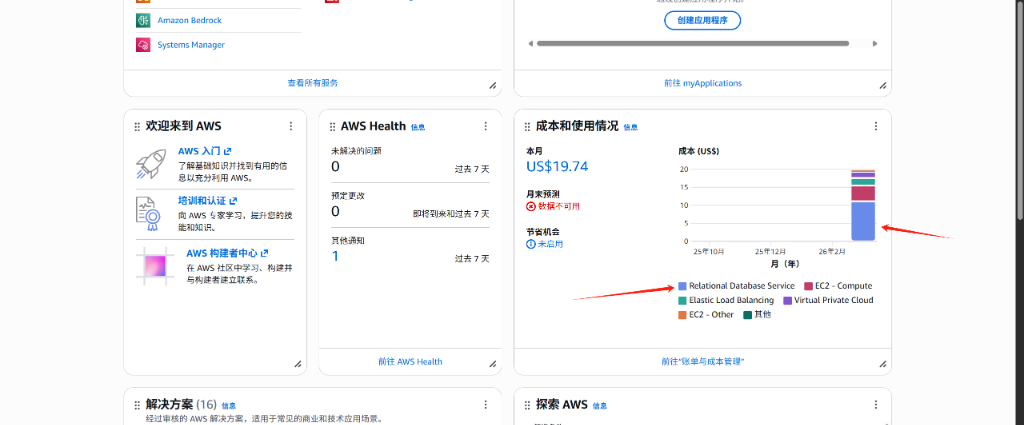
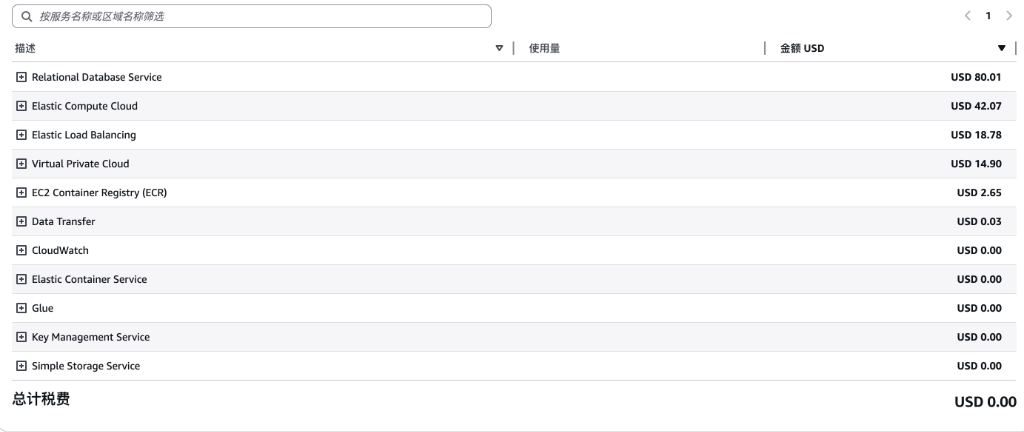
Performance & Budget Design Constraints: The client's primary business event was an offline trade-show exhibition where up to 100 users would scan QR codes to enter the data portal simultaneously. The budget for this cloud deployment was strictly capped at around $100/month.
The Refactoring Action Plan: To handle peak concurrent users within this budget, I implemented a cost-optimized, resilient container infrastructure on AWS:
-
UX Debounce & Shared Query Caching: Rewrote the range slider event handler to trigger queries *only* on
mouseup(mouse release). This instantly reduced query traffic from 300+ database requests per drag down to **exactly 1 request**. Additionally, because steel financial data changes on a scheduled schedule, I configured a 30-minute to 1-hour cache. This cache is shared across all visitors, resolving 90%+ of read requests and keeping database load low. - SQLite to RDS PostgreSQL Migration: Refactored the Prisma schema and successfully migrated all B2B trade records to an AWS RDS PostgreSQL database. This improved data integrity, query latency, and simplified future database schema migrations.
-
ECS Fargate Resource Tuning: Sized Node.js containers precisely to **1.5GB RAM and 0.25 vCPU**. Since Node.js is single-threaded and handles network I/O efficiently, CPU requirements are low. I deployed **2 container tasks** behind an Application Load Balancer (ALB) to avoid single point of failure (SPOF) and enable automated failover. The query cache shielded the RDS database, allowing the entire stack to run smoothly on a cost-effective
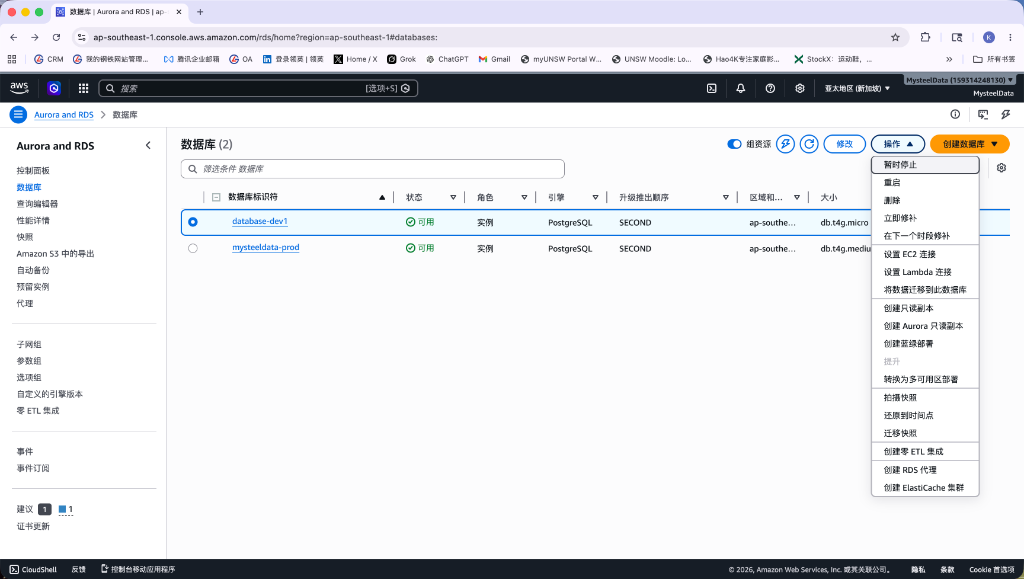
db.t4g.medium(or micro) PostgreSQL database, keeping the cloud bill strictly around $100/month. - Hands-Off Automated Pipeline: Because the client continues to iterate the portal using AI tools, they needed a foolproof deployment process. I set up GitHub Actions utilizing OpenID Connect (OIDC) roles. Pushing or merging code to the production branch automatically triggers Docker builds, pushes to Amazon ECR, and executes a zero-downtime rolling update on ECS. The non-technical client never has to manage servers, SSH keys, or AWS access tokens.
📂 Deployed Repository Codebase
The configuration files engineered to support this automated AWS container pipeline reside within the active repository layout:
│ ├── deploy-ecs.yml ← Pipeline (OIDC + ECR + ECS)
deploy/
│ ├── ecs-task-definition.template.json ← AWS Task spec
│ └── render-ecs-task-definition.ps1 ← Template renderer
prisma/
│ └── schema.prisma ← PostgreSQL datasource migration
src/
│ └── lib/
│ └── s3.ts ← AWS SDK S3 client config
├── Dockerfile ← Multi-stage production container build
├── next.config.ts ← Domain image loader rules